
Uploading MRI and CT scans, and X-rays
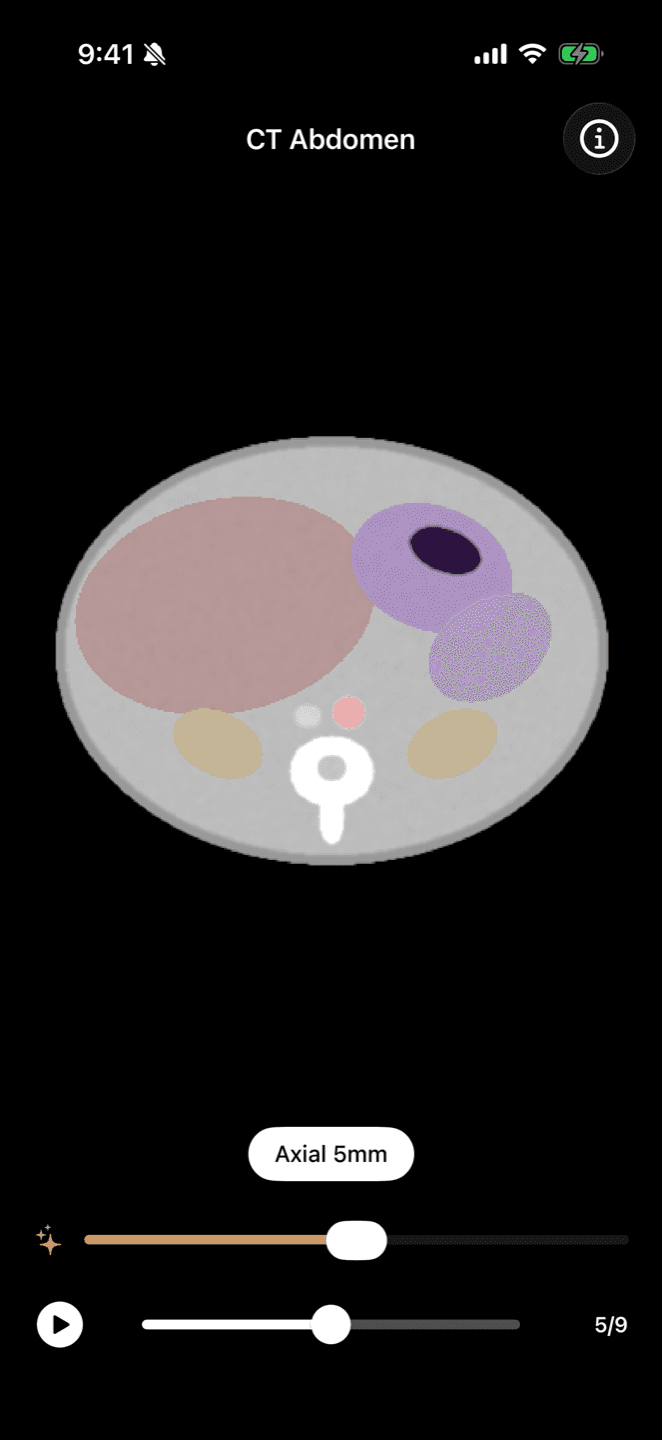
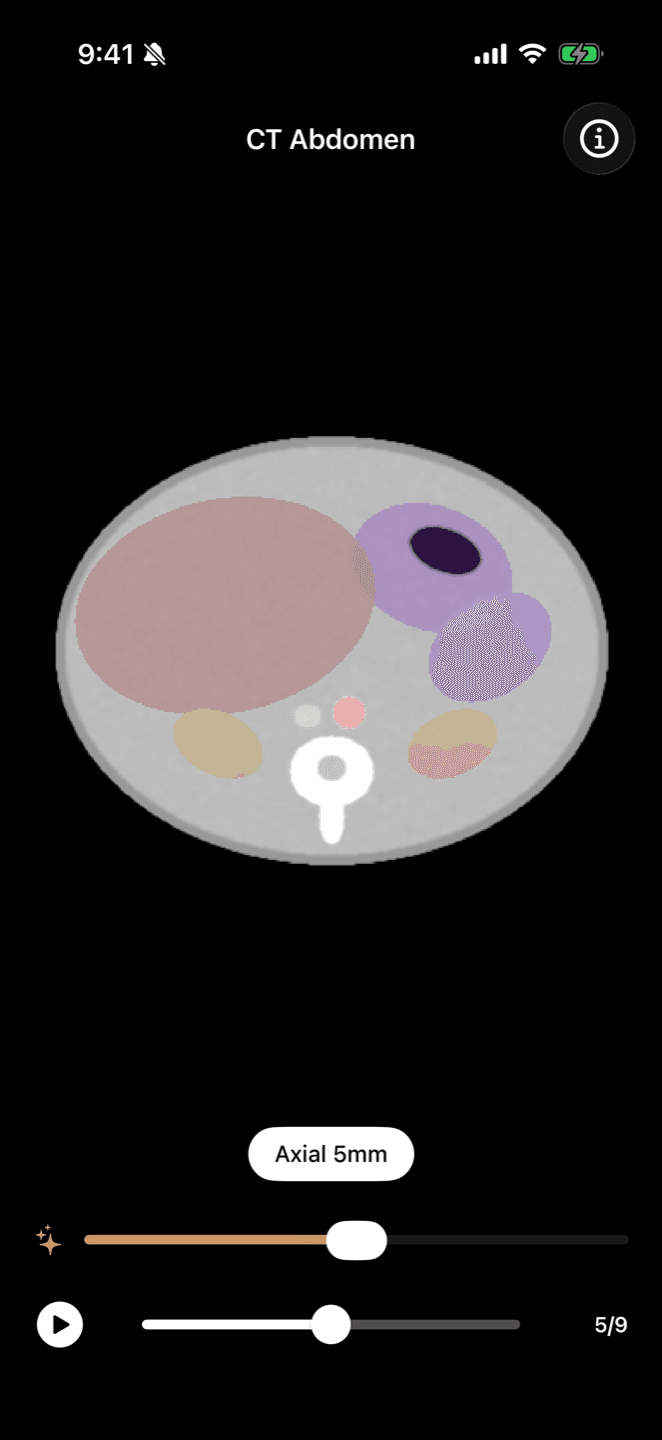

Upload a study from its disc or download, then scroll through every series on your iPhone.
Your scans arrive as DICOM files, the format on the disc or the download your clinic gives you. AumniVIDA takes them as they are.
What you need
The study as a DICOM folder, or as a ZIP or TAR.GZ archive of that folder. Copy it off the disc or USB stick first if that is how you received it. Imaging is part of AumniVIDA Pro.
Upload the study
Open upload.aumnivida.com on a computer, sign in with your AumniVIDA account and choose the folder or archive. AumniVIDA keeps every series in the study and attaches the radiologist's report when the files include one.
View it on your iPhone
The study appears in your journal. Scroll through each series slice by slice, adjust window and level to bring out bone or soft tissue, play the series as a cine loop, and switch between series.
Share it
Share a study view-only with someone who uses AumniVIDA, and revoke access at any time.
What the viewer is for
The viewer lets you see and keep your own scans. The diagnostic reading of a study stays with the radiologist, and the report attached to it is theirs.